AnyToSpeech for PDFs: when do you need a narration script?
Use three easy-to-mishear fields to decide whether a narration workflow is worth paying for.
For private listening to a single-column PDF with selectable text, try direct conversion first. If other listeners must copy a part number and dimension from audio alone, compare it with a cleaned narration script. The maker described text-to-speech and PDF audiobooks early on, and the official PDF page still offers that workflow. It does not establish that every layout or table reads correctly. (Official PDF tool)
Acceptance sample
Make a fictional model assembly sheet: step 2 uses part B-17, 4.5 mm thick; see page 21 for a spare. Put the page reference in a sidebar and the thickness in a table; also prepare a plain-text version in reading order. Use the same licensed neutral stock voice and speed for both. No real recordings or voice cloning.
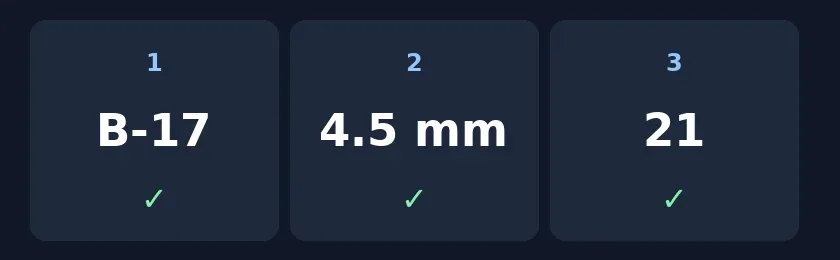
Original listenback checklist, not the product interface; check the identifier, unit and cross-reference in order.
Ask someone who has not seen the page to listen once, write the fields down and repeat step 2. If a field is missing, 4.5 sounds like 45, or the page number sounds like a quantity, do not deliver direct PDF narration. If plain text also fails, spell out numbers or hyphens for speech and regenerate only that section. Count conversion, review and repair per finished minute. If correcting one line requires replaying a whole book, keep the script and the audio in sections. For one-off personal listening, your PDF reader’s read-aloud may be enough.
Content note:This article is based on publicly available information and is intended as a reference for evaluating tools. Features, pricing, and related policies may change at any time; please refer to the latest official information.
Original source:anytospeech.com