AppFlowy offline checklist edits: which version does the next editor get?
Compare private offline Vault, a shared workspace and local files without mistaking a save for a handoff.
L-04 changes from v1 to v2 offline; the next editor still must tell which version arrived.
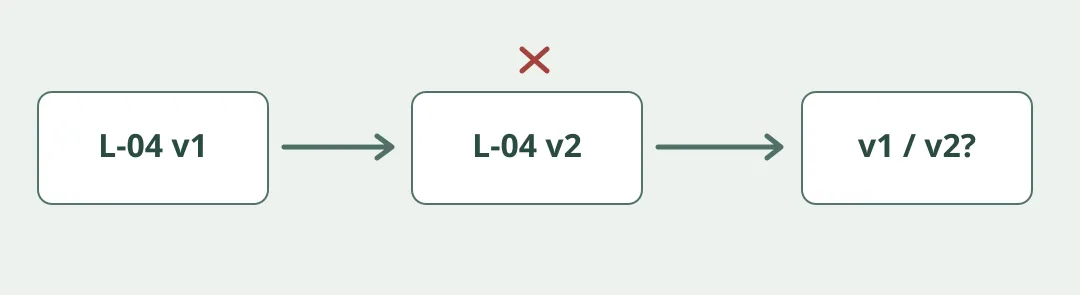
Figure 1. In July 2025 AppFlowy introduced private offline Vault and described local AI for that workspace type. A shared workspace is a different choice. Compare Vault with local Markdown for single-device notes. Don’t treat a personal offline draft as an automatically shared file, or assume every AppFlowy AI feature runs locally.
Ask a second editor to identify the current version
Make a fictional display-case checklist, L-04. In v1 record two labels; in the simulated offline v2 change to three. Confirm the author can reopen v2. Then model a share or approved file handoff and have a second person find the current copy independently. If different versions are still visible, flag the conflict, keep both and have a person resolve it; do not silently overwrite. Use original samples only. Don’t change a real network or link accounts, and don’t use AI to resolve the conflict.
Compare against versioned local Markdown with a handoff log. Require successful reopening, the correct version for the receiver and recorded conflicts before comparing effort. If multiple editors need to continue, verify the shared plan, supported devices and backup separately. Don’t pay for collaboration you won’t use.
Content note:This article is based on publicly available information and is intended as a reference for evaluating tools. Features, pricing, and related policies may change at any time; please refer to the latest official information.
Original source:appflowy.com