Apple Mac mini M6: don’t replace a Mac just to get Writing Tools
Check writing eligibility separately from dual-display needs; chip specs don’t predict proofreading accuracy.
The existing Mac branches to a proofreading card R-3 or to considering M6 for two displays.
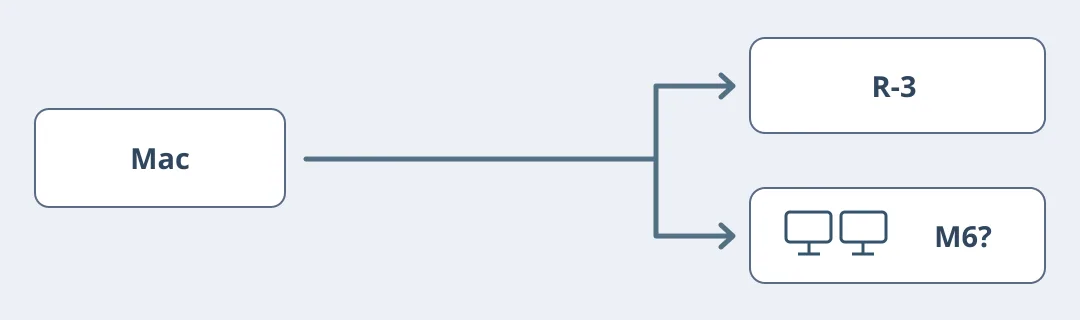
Figure 1. Apple announced the Mac mini M6 on August 25 and listed September 22 as retail availability; that is not stock on August 31. Writing Tools proofreading and rewriting were already available on eligible Macs without M6. Check your model, OS, region and whether the device and Siri use the same supported language before considering a replacement.
Separate two decisions on one editing card
Use fictional exhibit card R-3: Thursday, 14:00, West Hall, two people only. Compare manual proofreading with expected Writing Tools output. Wording can change, but time, room and capacity must remain. Record unavailable features separately from failed edits; core counts are not an accuracy measure. Plan on paper without changing settings or accounts or using private drafts.
If your current Mac is eligible and manual review is quick, keep it. Consider M6 only for a separate need, such as a screen for sources plus a screen for layout, that your current ports, resolution and refresh combination cannot meet. Compare total cost with keeping the Mac and adding a compatible display or using split view. Check configuration and local availability; don’t promise results from hardware you haven't used.
Content note:This article is based on publicly available information and is intended as a reference for evaluating tools. Features, pricing, and related policies may change at any time; please refer to the latest official information.
Original source:www.apple.com