Atoms buying guide: does a booking page need a managed backend?
Use an imaginary equipment booking to distinguish a page mockup from a stateful app and decide when Atoms Cloud is worth using.
If the team only needs to see what an internal booking page would look like, a static prototype is enough. Consider Atoms Cloud once the next shift needs to see a booking from the previous shift and cancelled bookings must remain in the record. Atoms’ official description includes authentication, databases, storage and deployment in its managed backend. Its generation workflow can use these services. This bridges the basic gap between pages and stateful apps; it does not establish that the rules in your brief work correctly.
Three checks set the scope
Make up a case: a single blue unit is left for one time slot, and a booking first appears as pending. After shift handover someone cancels it. The unit becomes available again, but the cancellation stays in the history. For a mockup, two views are enough to show pending and available. For a working app, check three things: reopening the page shows the same booking; two fictional requests cannot both be confirmed for the same unit and slot; cancellation frees the unit without deleting its history. Agree on the expected result using made-up data and two sketches. No production accounts, actual inventory or payment system are required for the demo. This is a proposed test, not one we ran or proof Atoms handles those rules automatically.
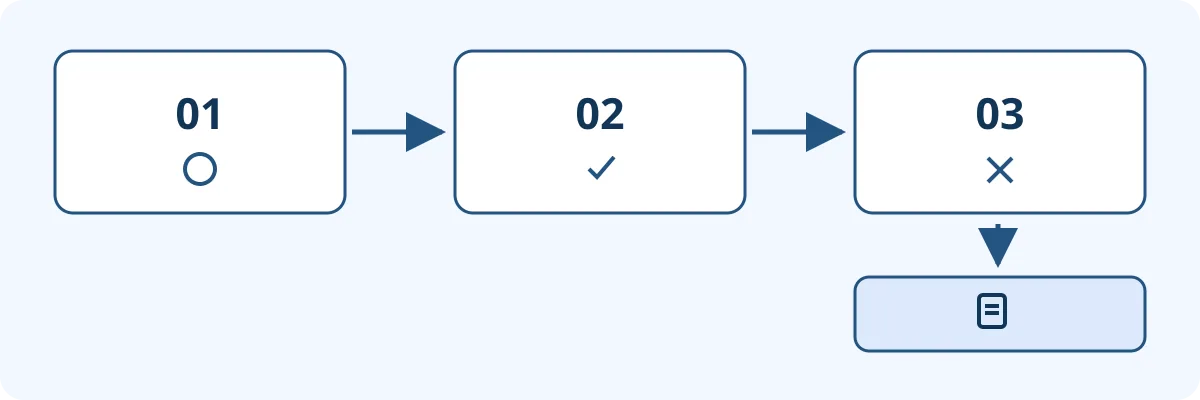
A fictional state sketch, not an Atoms screenshot. Cancellation releases the equipment but should leave the booking history intact.
That distinction changes what to buy. When an existing form and shared sheet already record bookings and only one person confirms them, keep that system and use an Atoms mockup to see whether the flow is clear. There is no need to duplicate data. If you want the new app to own pending, confirmed and cancelled states, confirm each rule, who can view or edit records, and whether the records can be reconciled before and after a change. Even with documented database setup and deployment features, budget time to verify the business rules.
An export button is not a handover
Before adoption ask who could bring the booking history and its meaning along if someone takes over next month or the team returns to the old register. In a synthetic handover, define at least four columns: equipment, time slot, booking ID and status. See whether a second person can tell a cancelled record from an item that was never booked using only the handover material. Do not assume your plan includes full export, restore or permissions setup. Ask the vendor to show it or document it in the pilot agreement, and include configuration, retesting and handover time in the cost. For copy and flow alone, avoid database upkeep. Atoms Cloud makes sense when state really must survive a shift change and the three checks and handover can be completed.
Content note:This article is based on publicly available information and is intended as a reference for evaluating tools. Features, pricing, and related policies may change at any time; please refer to the latest official information.
Original source:atoms.dev