BookletAI buying guide: After exporting PDF, check the page order of the folded booklet
Use an eight-page paper dummy to check reading order, binding and margins before adopting automated layout.
If you regularly turn your own exhibition material into multi-page booklets, BookletAI combines copy, layout and images in a PDF. Its July 2026 overview treats PDF as an output, while its August design guide distinguishes digital reading order from the order in which pages are placed for binding. A vendor calling a PDF print-ready is not confirmation that your printer’s requirements have been met.
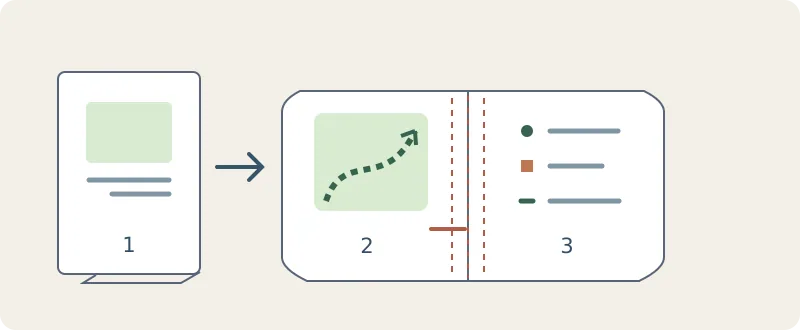
Make an original eight-page dummy. Do not upload anything or copy existing material. Number pages 1–8 on paper; page 2 is a route and page 3 a key. Open the folded cover and check that the two pages can be read together in order. Put a note near the fold and check that it will not disappear in the binding. Read on screen, then use the paper dummy to check page order, edge text, front and back, and upside-down pages. Do not approve it from thumbnails.
For a page or two, or if the printer supplied a template, filling it in your editor is easier. For changing multi-page work, compare export, re-layout, proofreading and proof costs. Ask for a reading-order PDF or imposed file and the trim and bleed requirements, then check export on your plan. Avoid automated final layout if it repeatedly needs rework.
Content note:This article is based on publicly available information and is intended as a reference for evaluating tools. Features, pricing, and related policies may change at any time; please refer to the latest official information.
Original source:bookletai.org