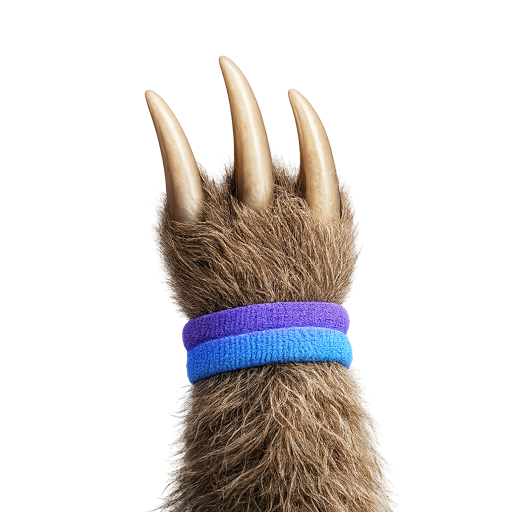
Pawvis
Control the Mac cursor and actions hands-free with camera gestures
About Pawvis
Pawvis is a touch-free gesture control tool for Mac that reads hand movements through the camera and turns your hand into the cursor: raise your hand to move the pointer, bend a finger to click, fold two fingers to scroll, and train custom gestures to trigger shortcuts, apps, or commands. It tracks 21 hand joints with the Apple Vision framework and needs no wearable device, depth sensor, or extra hardware; by default it requires no account, API key, or cloud service, and video frames never leave the Mac. It currently supports macOS 14+ and is released under the MIT open source license.
Best for
Best use cases
Move the Mac cursor hands-free
Click and scroll with gestures
Trigger shortcuts, apps, or commands with custom gestures
Provide input when using a physical mouse is inconvenient
Features
Gesture cursor control
Raise your hand to move the pointer, bend a finger to click, fold two fingers to scroll.
Custom gestures
Train gestures to trigger shortcuts, apps, or commands.
Camera tracking
Tracks 21 hand joints using the Mac camera and the Apple Vision framework.
Local and open source
Requires no account, API key, or cloud service by default, under the MIT open source license.
Pros
- No wearable device, depth sensor, or extra hardware required
- Video frames never leave the Mac
- Free and MIT open source licensed
- Supports custom gestures
Cons
- Low light or strong backlight reduces hand tracking stability
- The official notes say it is still working toward accessibility-grade reliability and does not yet claim to meet that standard
Pricing Plans
Free
- Supports macOS 14+
- MIT open source
* Pricing information is for reference only. Please refer to the latest announcement on Pawvis's official website.