
Hi3D
AI image-to-3D generation for clean meshes, detailed geometry, portraits, and production-oriented textures.
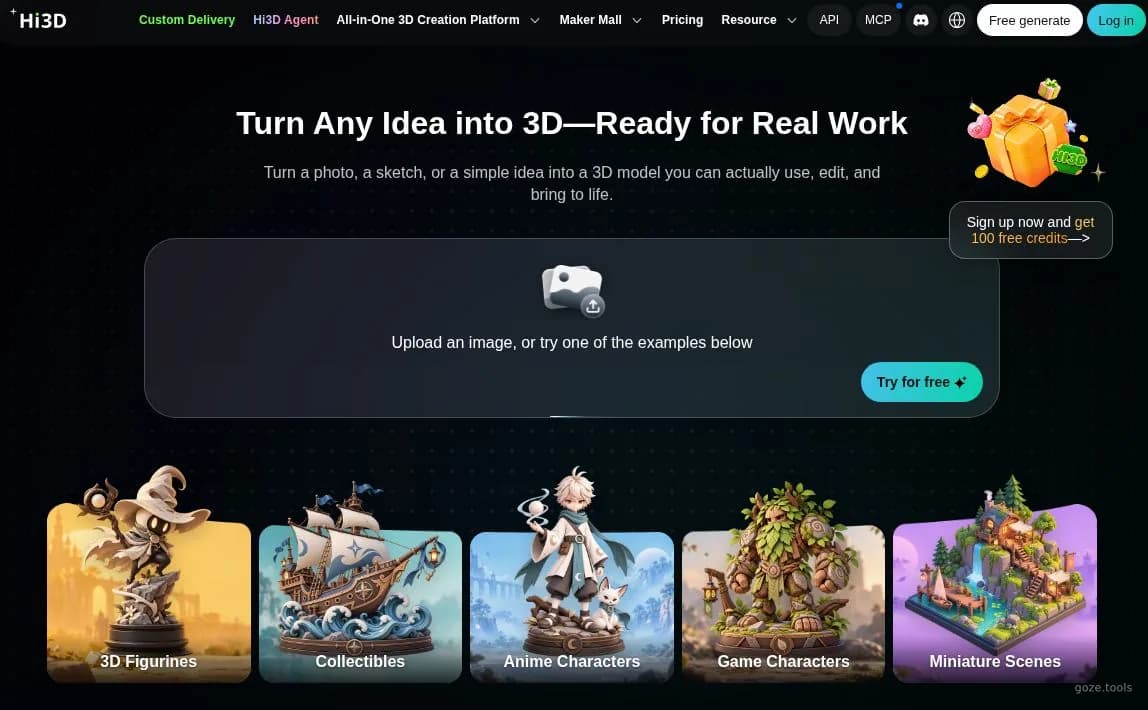
Hi3D image-to-3D homepage with model creation examples.
About Hi3D
Hi3D turns a source image into a 3D model through an upload-based web workflow. It suits people who need a usable starting mesh without modeling every surface by hand. The service reconstructs parts that are hidden in the input, preserves sharp edges, and can produce PBR textures. A de-lighting option removes baked shadows and lighting so the texture can be relit in another renderer. Portrait generation uses a specialized model for facial structure, hair, skin, and small details, while the highest listed resolution reaches 1536³ Pro. You can choose all-in-one generation or a staged workflow, which gives teams a practical choice between speed and more deliberate iteration. Hi3D is useful for concept assets, printable geometry, product visualization, and portrait-based models. Access follows a freemium model, while the pricing page presents monthly and yearly options in USD. Output quality still depends on the clarity and coverage of the source image, and reconstructed hidden areas should be reviewed before production or printing.
Best for
Best use cases
Rapid concept modeling from a reference image
Texture cleanup before relighting and rendering
High-detail portrait or print-oriented generation
Compare before choosing
Choose Hi3D when image-to-3D speed matters more than hand-built topology
Choose it when de-lighted or PBR textures fit the downstream renderer
Review alternatives when exact hidden geometry or fully controlled topology is essential
Features
Create a 3D asset from one image
Upload a reference image to produce a detailed starting mesh for concept work or visualization.
Prepare textures for relighting
Remove baked lighting and shadows from a source texture before using it in a different scene.
Generate portrait and print assets
Use the portrait-optimized model and high-resolution geometry for human subjects or printable models.
Pros
- The upload-based image-to-3D workflow can reduce the manual work needed to create an initial mesh.
- De-lighted and PBR texture options make generated assets easier to relight in downstream rendering workflows.
- General and portrait-optimized models support both object assets and detailed human subjects.
Cons
- Hidden surfaces are inferred from the source image, so production users need to inspect reconstructed geometry.
- High-detail output and 1536³ Pro resolution are tied to plan capabilities, so demanding work may require paid access.
- The workflow begins with image input, which makes results sensitive to reference quality, angle, and visible detail.
Pricing Plans
Hi3D plans
- Image-to-3D generation
- Access to general models
- Portrait-optimized model
- Resolutions up to 1536³ Pro
- All-in-one and staged generation
* Pricing information is for reference only. Please refer to the latest announcement on Hi3D's official website.